
Helion OpenStack 2.1 Ceph Integration
Configure the Block Storage Backend
First we need to install the Ceph client on the deployer node as follows (remembering –ask-vault-pass as I’ve encrypted sensitive data):
cd ~/scratch/ansible/next/hos/ansible
ansible-playbook -i hosts/verb_hosts ceph-setup-deployer-as-client.yml --ask-vault-pass

Install the Ceph client on all nodes that will be using Ceph services:
cd ~/scratch/ansible/next/hos/ansible
ansible-playbook -i hosts/verb_hosts ceph-client-prepare.yml --ask-vault-pass

Verify the cinder.conf settings – remember that I replaced the default FSID and GUID – this will need to be applied to the cinder.conf file via it’s associated ansible template ~/helion/my_cloud/config/cinder/cinder.conf.j2.
Give the ceph backend a memorable name – especially if working with multiple backends e.g.

Carry on down the file to the Ceph section and remove the comments, then fill in the values pertinent to your installation. These are the values defined earlier in ~/helion/my_cloud/config/ceph/user_model.yml . In my case the file should look like this

To enable Ceph for volume backups carry on down this cinder.conf.j2 template file to the backup section – uncomment it and fill in the appropriate values:

We can now move on to glance configuration, provided you wish to use Ceph to store glance images. The file we need to modify now is called ~/helion/my_cloud/config/glance/glance-api.conf.j2 -surprise, surprise. Make the following changes
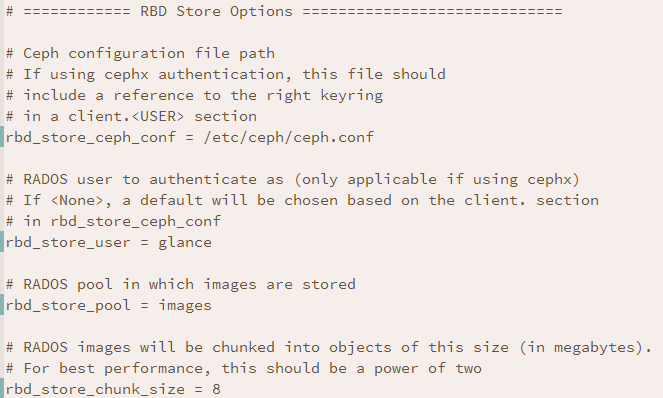
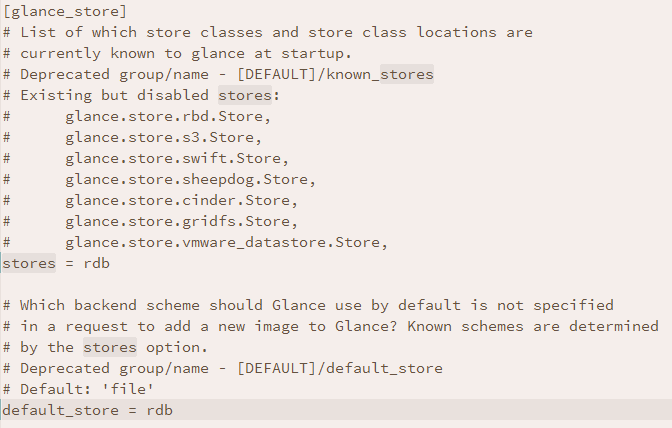
And change both “stores” and “default_store” as follows
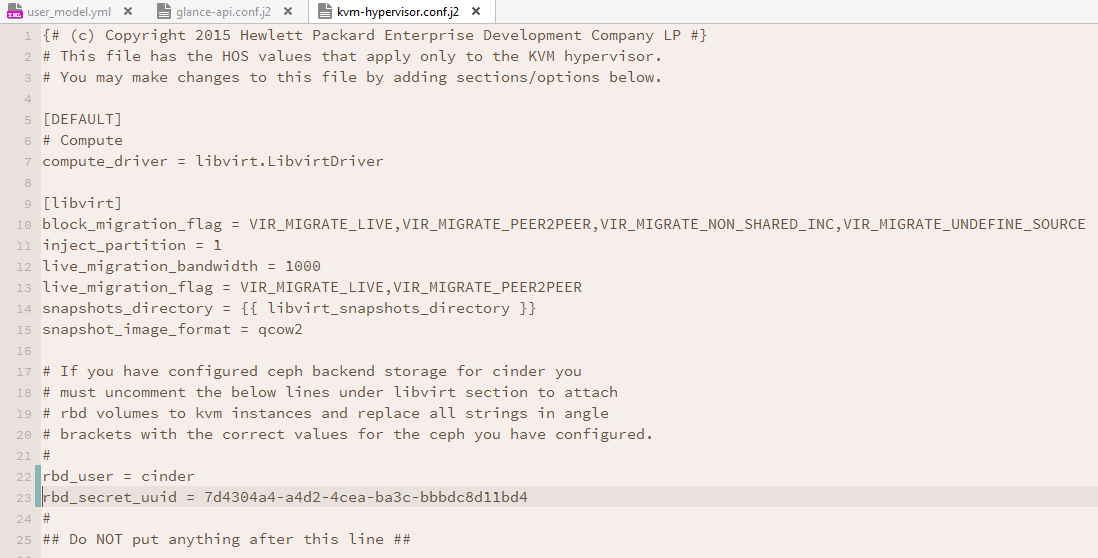
So we’ve now configured Ceph for cinder volumes, cinder backups and glance images. All that’s left to configure is access to the hypervisor to mount volumes on virtual machines – ~/helion/my_cloud/config/nova/kvm-hypervisor.conf.j2 is the configuration file that we need to amend now
Now it’s back to HOS 2.X HLM basics when configurations have been changed and need to be redeployed.
I’ve got a couple of additional steps that you may not require if you have not encrypted sensitive data.
cd ~/helion/hos/ansible
git add -A
git commit -m "Configured Ceph Backends for Cinder, Cinder Backup, Glance and Nova"

export HOS_USER_PASSWORD_ENCRYPT_KEY=SomeSecretKey
ansible-playbook -i hosts/localhost config-processor-run.yml --ask-vault-pass
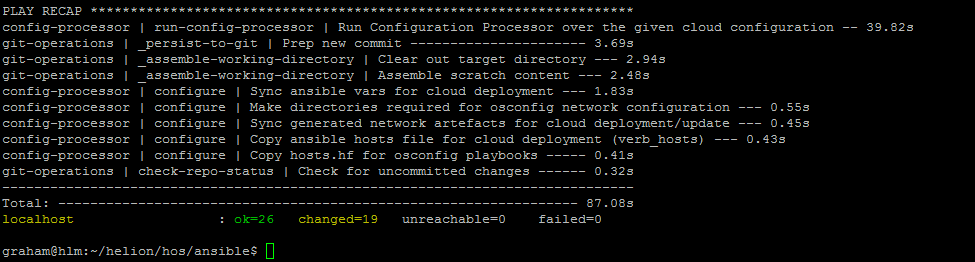
Build the deployment directory
ansible-playbook -i hosts/localhost ready-deployment.yml --ask-vault-pass

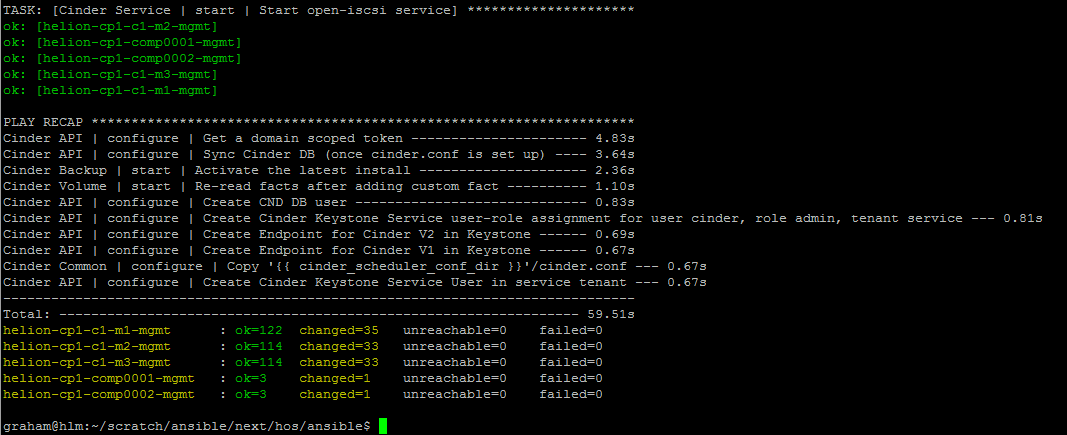
Run the Cinder reconfigure playbook
cd ~/scratch/ansible/next/hos/ansible
ansible-playbook -i hosts/verb_hosts cinder-reconfigure.yml --ask-vault-pass
Run the Glance reconfigure playbook
cd ~/scratch/ansible/next/hos/ansible
ansible-playbook -i hosts/verb_hosts glance-reconfigure.yml --ask-vault-pass

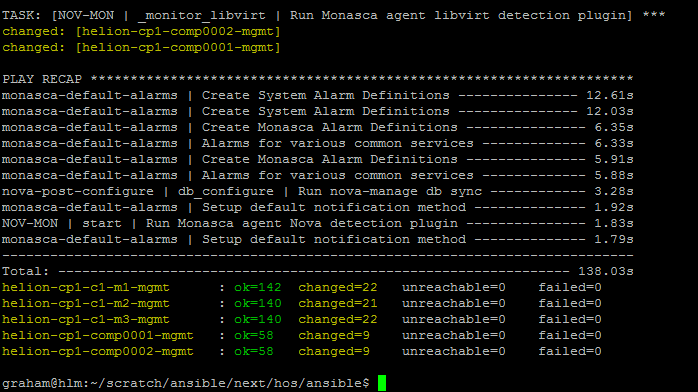
Finally run the Nova reconfigure playbook
cd ~/scratch/ansible/next/hos/ansible
ansible-playbook -i hosts/verb_hosts nova-reconfigure.yml --ask-vault-pass
It’s now time to start validation of the installation.
 Cumulus Chatter with a Sprinkle of AI
Leave a reply to HOS 2.1 Ceph Installation with Network Customisation (1-of-8) – All Things Cloud Cancel reply